Official On-Campus Housing
Residence Lounges
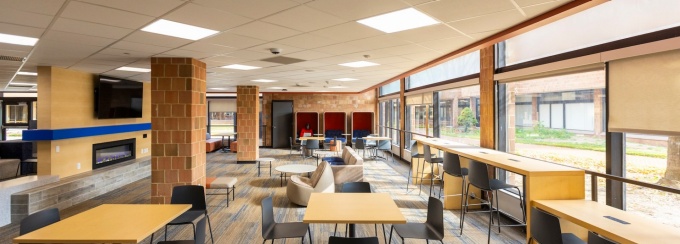
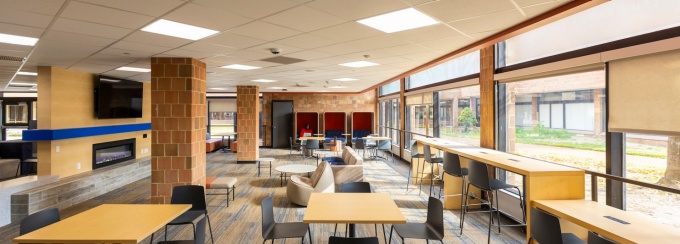
At UB, all students who live in the Ellicott Complex have free access to Lounges equipped with televisions, each with their own capabilities. With a lounge in each Quad, it’s easier to get your work done in a group, solo, or virtually.
Jump to:
If you are having an issue that is not fixed by the instructions below, click below to report an AV issue.
The Landing at Ellicott is the heart of community life in the Ellicott Complex. Located in Fargo Quadrangle, it offers students a calm place to study, an escape from their rooms, and a lively hub for events hosted by organizations across campus.
Game Lounge
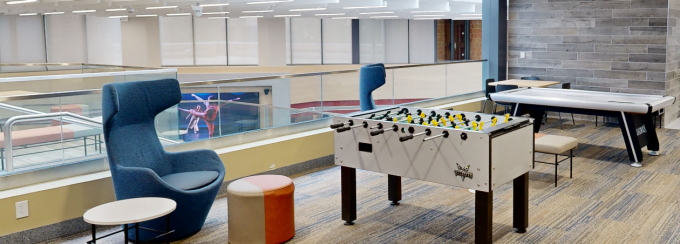
Make your way to the Landing’s second floor for the ultimate game lounge. Grab some friends and get into it. Game Equipment: Foosballs, air hockey paddles and pucks may be signed out during the following times at these locations:
All equipment must be returned to the same office before closing.
Ellicott Area Office: Fargo 270C
Monday – Sunday
8:00 a.m. - 8:00 p.m.
Fargo Hall Office: Fargo 251
Monday – Sunday
8:00 a.m. - 8:00 p.m.

Fireside TV Lounges
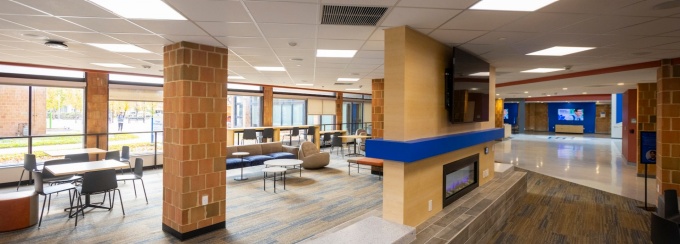
Grab a couch, cue up anything you want (yes, literally—cable, AirMedia, HDMI), and enjoy an ultra-cozy setup made for friends, projects, and procrastination.

Glass Lounge
Step into the Glass Lounge, a tucked-away spot with comfy seating and all the hookups you need—cable, AirMedia, and HDMI—perfect for streaming, sharing, or hosting your own mini watch party.

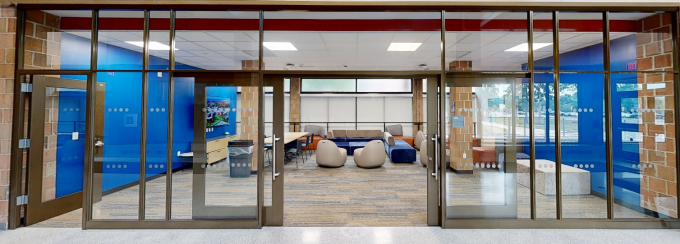
The Landing AV Instructions
Please follow the below instructions specific to The Landing AV.
To begin, tap the screen of the controller below.

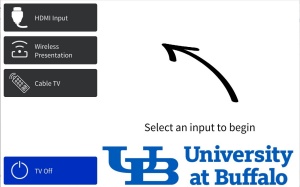
Select which option to use:
- Wireless Presentation Device - share content from any wireless device to screen.
- Wall Plate (HDMI Input) - Connect your device to the connector on the wall to display it on the screen.
- Cable TV - select cable channels available.
Volume is controlled on the touch screen.
- Volume Up


- Volume Down


- Mute


The Fargo Lounge brings together a comfy TV setup and a full kitchen—stove, fridge, and all the essentials—so you can kick back, cook up something, and chill with friends all in one spot.
Fargo AV Instructions
Please follow the below instructions specific to Fargo Lounge AV.
To begin, tap the screen of the controller below.
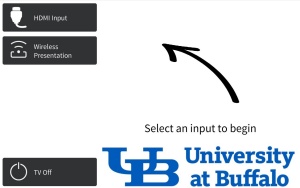
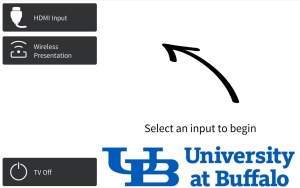
Select which option to use:
- Wireless Presentation Device - share content from any wireless device to screen.
- Wall Plate (HDMI Input) - Connect your device to the connector on the wall to display it on the screen.
Volume is controlled on the touch screen.
- Volume Up


- Volume Down


- Mute


The Evans Lounge blends a comfortable meeting environment with a fully equipped kitchen—stove, fridge, and essentials—so you can gather, study, collaborate, and fuel up all in one spot.
Evans AV Instructions
Please follow the below instructions specific to Evans Lounge AV.
To begin, tap the screen of the controller below.
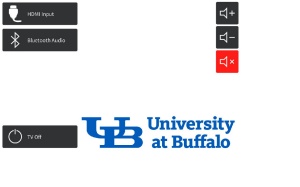
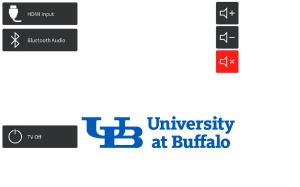
Select which option to use:
- Logitech Meetup (Video Call) - To make a video call or a meeting over video (use logitech touch screen and see further instructions below).
- Wall Plate (HDMI Input) - Connect your device to the connector on the wall to display it on the screen.
- Bluetooth - TV will turn off and you will be able to pair your device with the sound bar to play audio.
Volume is controlled on the touch screen.
- Volume Up


- Volume Down


- Mute


Video Conferencing is controlled on the Logitech Touch Screen.

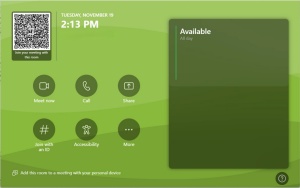
To schedule this space add URHA.EVA241@buffalo.edu to your meeting. The time will then be blocked out on the calendar.
To join your meeting simply tap Join Meeting on the touch screen when the meeting time arrives.
For an impromptu meeting:
- Touch "Meet Now"
- Then Add meeting attendees

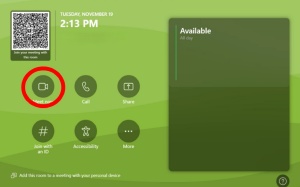
Tap where it says invite someone and type their name and search.
- To share content from the room, press:

- To mute/unmute the microphone, press:

- To change the view on the screen in the room, press:


- To end the call, press:


- To toggle camera on/off, press:

With a projector screen and plenty of space to gather, the Red Jack Lounge is ideal for presentations, group projects, and study meetups—made even better by its prime spot next to the Esports Center.
Red Jacket AV Instructions
Please follow the below instructions specific to Red Jacket Lounge AV.
The Red Jacket television has only HDMI Input capabilities. The projector screen offers Video Conferencing.
To begin, tap the screen of the controller below.
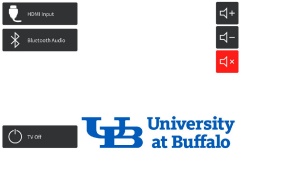
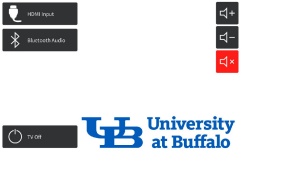
Select which option to use:
- HDMI Input - Connect your device to the connector on the wall to display it on the screen
- Logitech Meetup (Video Call) - To make a video call or a meeting over video (see further instructions below)
Volume is controlled on the touch screen.
- Volume Up


- Volume Down


- Mute


To begin, tap the screen of the controller below.
Select which option to use:
- HDMI Input - Connect your device to the connector on the wall to display it on the screen
- Logitech Meetup (Video Call) - To make a video call or a meeting over video (see further instructions below)
Volume is controlled on the touch screen.
Wireless microphone available. See Hall Office. Left hand volume controls, control the microphone.
Video Conferencing is only available on the projector and is controlled on the Logitech Touch Screen.
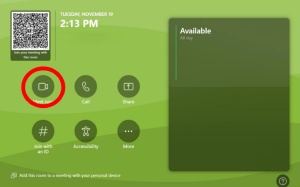
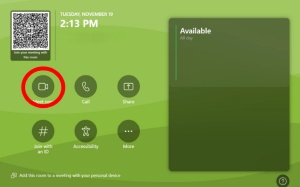
To schedule this space add URHA.RED261@buffalo.edu to your meeting. The time will then be blocked out on the calendar.
To join your meeting simply tap Join Meeting on the touch screen when the meeting time arrives.
For an impromptu meeting:
- Touch "Meet Now"
- Then Add meeting attendees
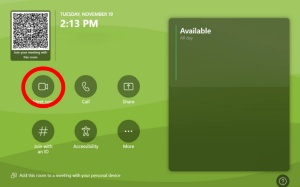
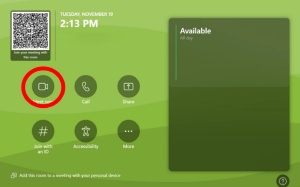
Tap where it says invite someone and type their name and search.
- To share content from the room, press:

- To mute/unmute the microphone, press:

- To change the view on the screen in the room, press:


- To end the call, press:


- To toggle camera on/off, press:

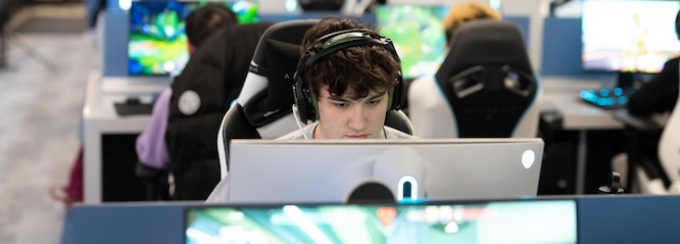
Esports Lounge
Step into our state-of-the-art Esports Gaming Lounge, located in the Ellicott Complex, where competition and fun come together. Equipped with high-performance gaming stations, top-tier monitors, and a vibrant atmosphere, it’s the ultimate space for gamers to battle it out or relax and enjoy their favorite games with friends.

Richmond Lounge offers room to collaborate, a kitchen for cooking or grabbing food, and a pool table for when you need to reset and recharge.
Richmond AV Instructions
Please follow the below instructions specific to Richmond Lounge AV.
To begin, tap the screen of the controller below.

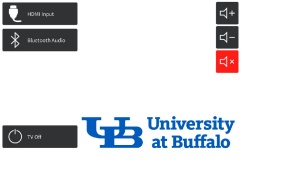
Select which option to use:
- Wall Plate (HDMI Input) - Connect your device to the HDMI plug on the wall to display it on the screen.
- Bluetooth Audio - To pair the sound bar to your device to play music.
Volume is controlled on the touch screen.
- Volume Up


- Volume Down


- Mute


Spaulding offers a Reflection Lounge for pure zen—complete with massage chairs and a calm atmosphere—and a Movie Lounge across the hall with theater-style seating where you can plug in and play your own movies.
Reflection Lounge

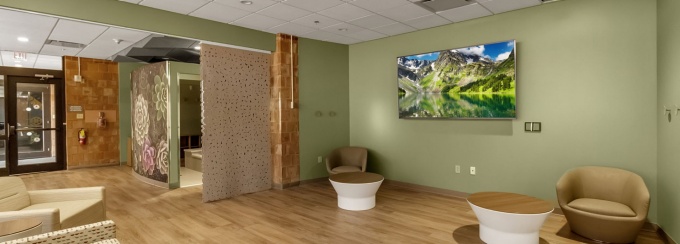
Unwind and recharge in the Reflection Lounge, featuring massage chairs and a calm, zen-inspired atmosphere perfect for taking a break from the day.
Reflection Lounge AV Instructions
Please follow the below instructions specific to Reflection Lounge AV.
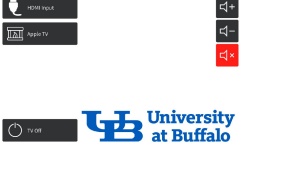
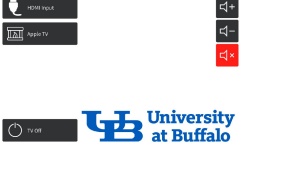
To begin, tap the screen of the controller below.
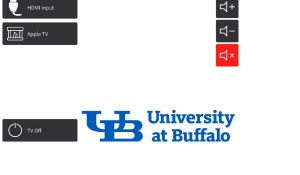
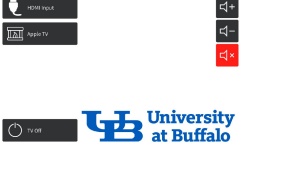
Select which option to use:
- Wall Plate (HDMI Input) - Connect your device to the HDMI plug on the wall to display it on the screen.
- Apple TV - To play preprogrammed relaxing videos.
Volume is controlled on the touch screen.
- Volume Up


- Volume Down


- Mute


Relaxation Videos are controlled on the Logitech Touch Screen.
Movie Lounge

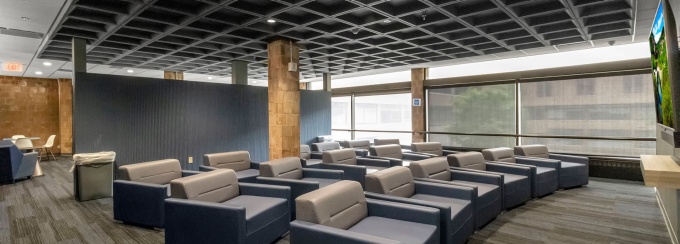
Kick back in the Movie Lounge with theater-style seating and easy hookups to play your own movies with friends.
Spaulding AV Instructions
Please follow the below instructions specific to Spaulding Lounge AV.
To begin, tap the screen of the controller below.
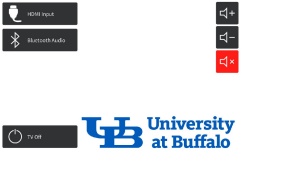

Select which option to use:
- Wall Plate (HDMI Input) - Connect your device to the HDMI plug on the wall to display it on the screen.
- Bluetooth Audio - To pair the sound bar to your device to play music.
Volume is controlled on the touch screen.
- Volume Up


- Volume Down


- Mute


Coffee House
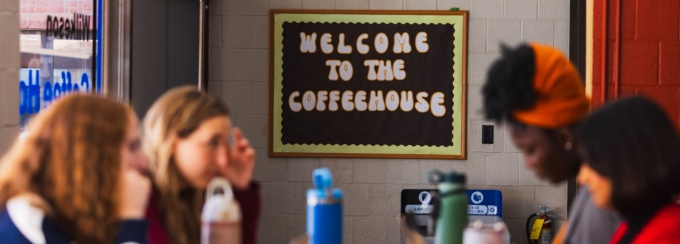
The Wilkeson Coffee House Lounge features a full kitchen, a dedicated coffee bar, and AV capabilities—perfect for group work, small gatherings, or powering through your to-do list with something warm in hand.

Wilkeson AV Instructions
Please follow the below instructions specific to Wilkeson Lounge AV.
To begin, tap the screen of the controller below.

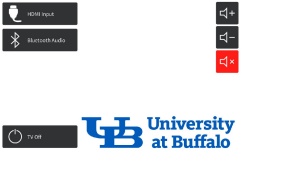
Select which option to use:
- Wall Plate (HDMI Input) - Connect your device to the HDMI plug on the wall to display it on the screen.
- Bluetooth Audio - To pair the sound bar to your device to play music.
Volume is controlled on the touch screen.
- Volume Up


- Volume Down


- Mute


Study Lounge
Find your focus in the Wilkeson Study Lounge, a quiet, cozy space designed for individual studying and uninterrupted work.
Goodyear X
Step into the clouds in the Goodyear X lounge. On the tenth floor of Goodyear, enjoy sky high views of all of Buffalo (even the mist of Niagara Falls on a clear day), find a quiet place to study, gather with friends, and a even a meet for group projects and other activities.

Please note that you must speak with the Goodyear Residence Hall Director to reserve the space. Reserving a digital meeting does NOT reserve the space.
Goodyear X AV Instructions
Please follow the below instructions specific to Goodyear X Lounge AV.
To begin, tap the screen of the controller below.
Video conferencing is available on the main screen but can be mirrored on the two screens in the back and is controlled on the Crestron Touch Screen.

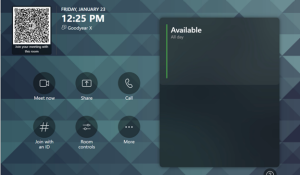
To schedule this space add URHA.GOO010@buffalo.edu to your meeting. The meeting will then be added to the calendar page. To join your meeting simply tap Join Meeting on the touch screen when the meeting time arrives.
For an impromptu meeting:
- Touch "meet now"
- Then add meeting attendees
Tap where it says invite someone and type their name and search.

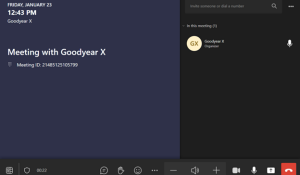
Room controls:
- To share content from the room, press:

- To mute/unmute the microphone, press:


- To change the view on the screen in the room, press:


- To end the call, press:


- To toggle camera on/off, press:


Room Controls
- Mirror main display on the rear displays.
- Camera controls
- Teams meeting overlay (When enabled) vs direct input
- Mic controls.
- Input selection

To begin, tap the screen of the controller below.

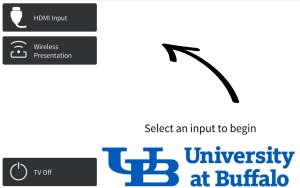
Select which option to use:
- Wireless Presentation Device - share content from any wireless device to screen.
- Wall Plate (HDMI Input) - Connect your device to the connector on the wall to display it on the screen.
Volume is controlled on the touch screen.
- Volume Up


- Volume Down


- Mute


If you are having an issue that is not fixed by the listed instructions, click below to report an AV issue.