Microsoft Copilot Chat
Microsoft Copilot Chat is a full-fledged, AI-powered chatbot and content creation tool, featuring the power of ChatGPT with commercial data protection from Microsoft. Microsoft Copilot Chat, powered by GPT, is available for all UB students, faculty, and staff, and is included for free with your UB Microsoft 365 license.
Instructions
Log in at m365.cloud.microsoft/chat
Logging in protects your data and ensures your UB data isn’t used to train the AI models.
1. Navigate to https://m365.cloud.microsoft/chat
2. Click Sign in with a work or school account
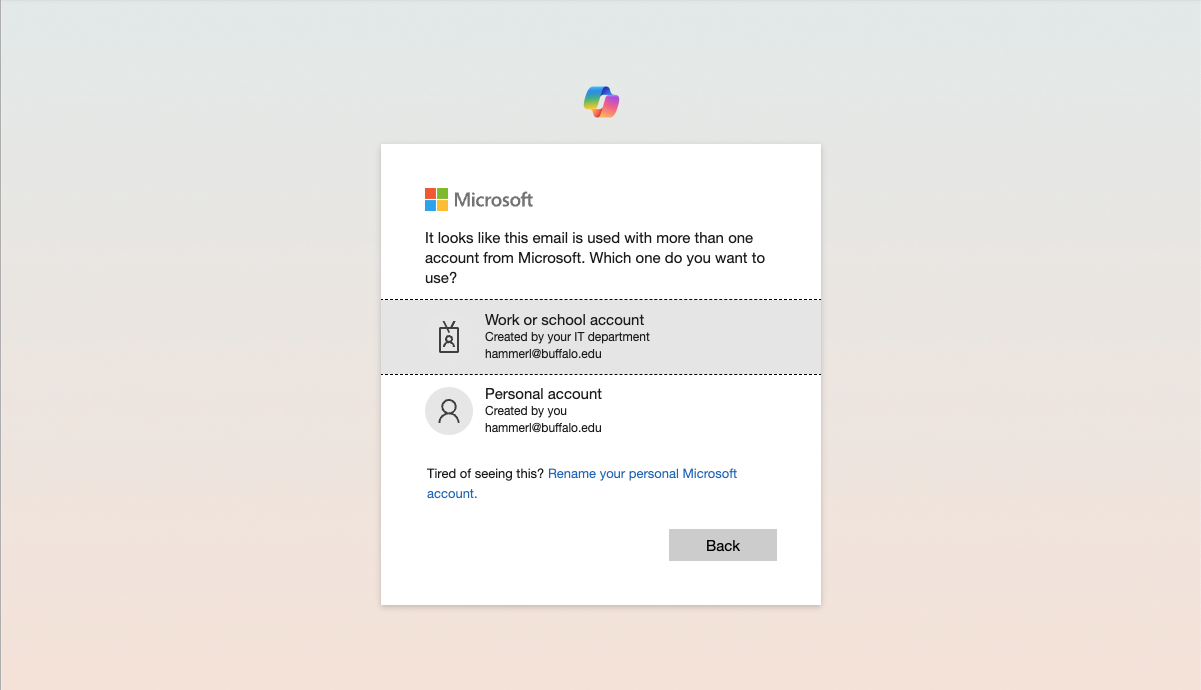
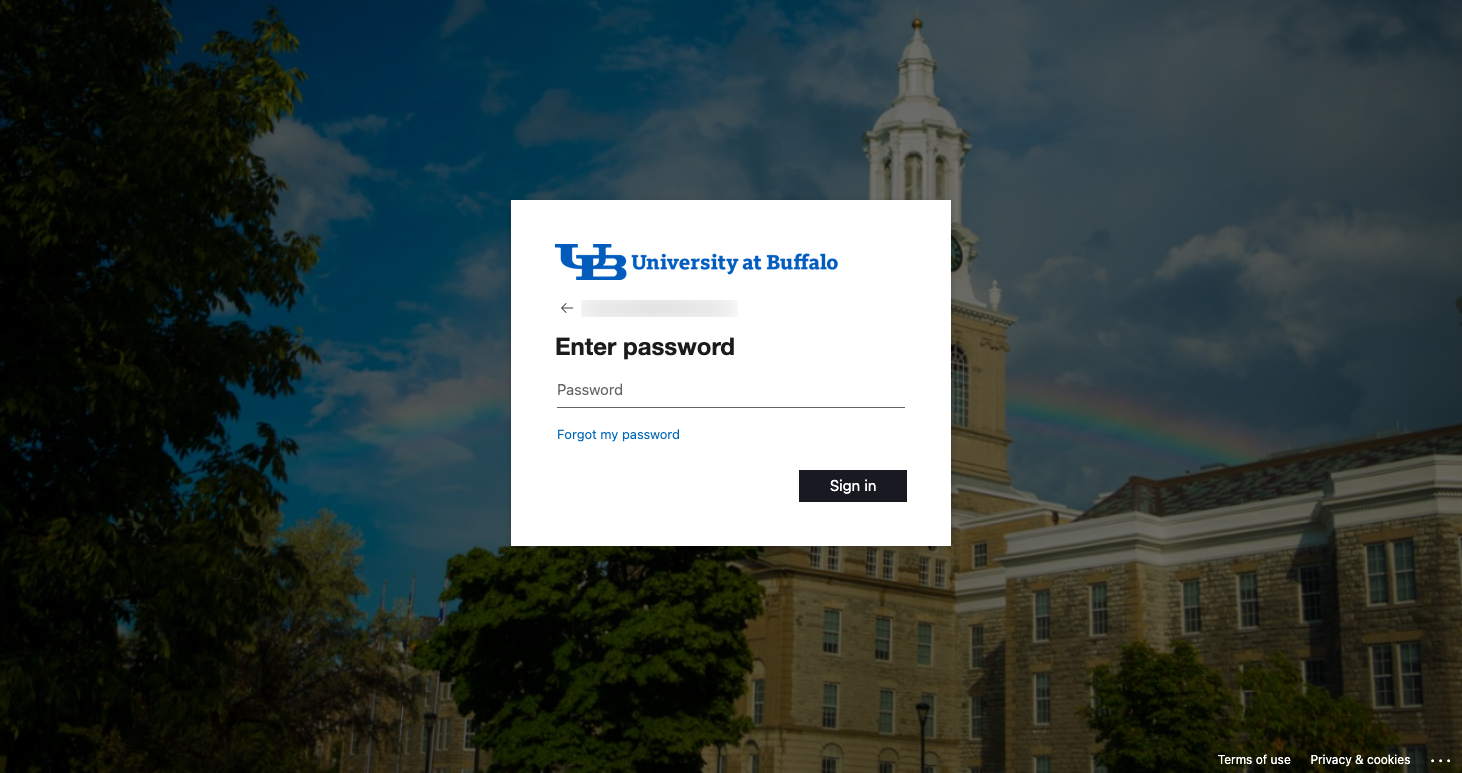
3. When you are switched to a UB login screen, enter your UBITName password and click Sign in
7. Start using AI
Things you can use Microsoft Copilot Chat for
Use Microsoft Copilot Chat to:
- Quickly summarize long web pages, PDFs, and other documents
- Craft and polish your writing
- Create images for articles, social media, and more
Instructors can use Microsoft Copilot Chat to personalize learning, plan lessons, and improve efficiency.
Your queries won't train AI
When you log into Microsoft Copilot Chat using your UB @buffalo.edu email address, you authenticate back to UB and enter your UBITName password. Your queries are then not saved, and will not be used to train AI. All your information is deleted when you end your session.
Creating effective queries
Microsoft Copilot Chat uses an advanced GPT AI model to generate answers using up-to-date information. When using Microsoft Copilot Chat, enter prompts into the text box – you can use natural language to ask detailed questions or share what you’re looking for in a response.
- More effective queries are made in full sentences, with a lot of detail and specifics, and with tone, purpose, desired length and format
- Queries that are just a few words or have little to no details on preferred outcome are less successful
Common Questions
Who can use Microsoft Copilot Chat at UB?
Microsoft Copilot chat is available via web browser to UB faculty, and staff with an A5 license, as well as UB students.
What does Microsoft Copilot Chat use?
Microsoft Copilot Chat runs off of GPT.
Can I use Microsoft Copilot Chat in Microsoft 365 apps?
MS is rolling out the ability to have Copilot Chat available in a side pane in the MS suite of products Word, Excel, Outlook. Click the Copilot icon on the menu bar to open the side bar.
What kind of questions can you ask Copilot Chat?
Think of Copilot Chat as a new, more powerful way to search the internet for answers. If you’re trying to learn about a new topic, start your prompt with “Explain this” or “how come.” If you have a lot of different articles with multiple perspectives on a topic, but still can’t make a design, try asking, “Compare this option and another option in the form of a table” or “Give me the pros and cons on <topic of interest>.” And if you need more help with making content, you can ask Copilot Chat to “write an email based on bullet points pasted below,” or “Create an image” in a specific style.
Copilot Chat cannot answer questions about your work data, such as your emails, chats, and files, because it does not have access to those items. Copilot Chat in Edge can answer questions about the tab you have open in your browser, including work content, if you have provided permission. After your session is closed or timed out, the content is discarded because Copilot Chat protects company data.
How do I know that I’m in the protected experience of Copilot Chat?
When you’re in the protected experience of Copilot, Chat you’ll find the green “Protected” badge next to the sign-in credentials in the top right corner. Above the text box, you’ll find a sentence that reads “Your personal and company data are protected in this chat.” If you don’t find these cues, you don’t have data protection for your AI chat. To fix this, sign in at https://m365.cloud.microsoft/chat with your UB account.
What kinds of information can I use with copilot?
When using any type of generative AI (Microsoft Copilot Chat or others) it's important to maintain alignment with the university's data classification standard. Category 1 (Protected PII or regulated) should NEVER be included in generative AI prompts or inputs. Category 2 (Internal Use Data) can be included in Microsoft Copilot Chat prompts when authenticated using your UBITName and password. Category 3 (Public Data) can be included in generative AI prompts with Microsoft Copilot Chat.
Are prompts and responses in Microsoft Copilot Chat logged?
With enterprise data protection (EDP), prompts and responses are logged, retained, and available for audit, eDiscovery, and advanced Microsoft Purview capabilities. The specific controls vary depending on the underlying subscription plan. For more information on EDP, visit Enterprise data protection for prompts and responses.
Are prompts and responses in Microsoft Copilot Chat used to train foundation models?
No, prompts and responses aren't used to train foundation models under enterprise data protection.
Microsoft Copilot Chat offers the same enterprise terms available in Microsoft 365 commercial offerings.
Use of Microsoft Copilot Chat involves prompts (entered by customers) and responses (content generated by Copilot). With EDP, prompts and responses are protected by the same contractual terms and commitments widely trusted by customers for their emails in Exchange and files in SharePoint.
- Microsoft secures your data: They help protect your data with encryption at rest and in transit, rigorous physical security controls, and data isolation between tenants.
- Your data is private: Microsoft won’t use your data except as you instruct. Their commitments to privacy include support for GDPR, ISO/IEC 27018, and their Data Protection Addendum.
- Your access controls and policies apply to Copilot Chat: Copilot Chat respects your identity model and permissions, inherits your sensitivity labels, applies your retention policies, supports audit of interactions, and follows your administrative settings. The specific controls and policies will vary depending on the underlying subscription plan.
- You're protected against AI security and copyright risks: Microsoft helps safeguard against AI-focused risks such as harmful content and prompt injections. For content copyright concerns, they provide protected material detection and their Customer Copyright Commitment.
- Your data isn’t used to train foundation models: Microsoft Copilot Chat uses the customer’s context to create relevant responses. Microsoft Copilot Chat also uses Microsoft Graph data. Consistent with their other Copilot offers, prompts, responses, and data accessed through Microsoft Graph aren't used to train foundation models.
Copilot Chat pages can be deleted at https://www.office.com/pages
See also
Need help? Contact the UBIT Help Center or your departmental IT support.