FAFSA Code: 002837 | TAP Code: 1010
View Financial Aid
The Financial Aid Office notifies students when financial aid packages become available each year. Once notified, students are able to view financial aid awards in HUB at any time.
Instructions
Step 1
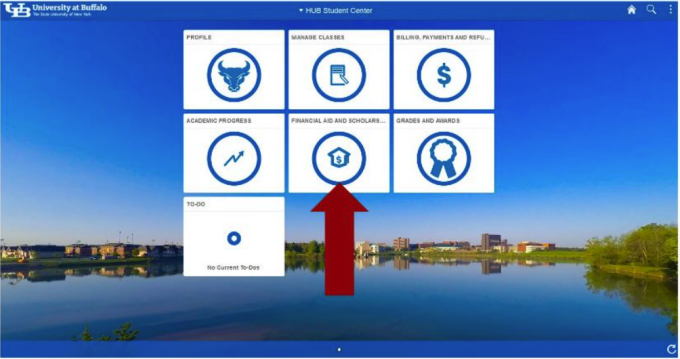
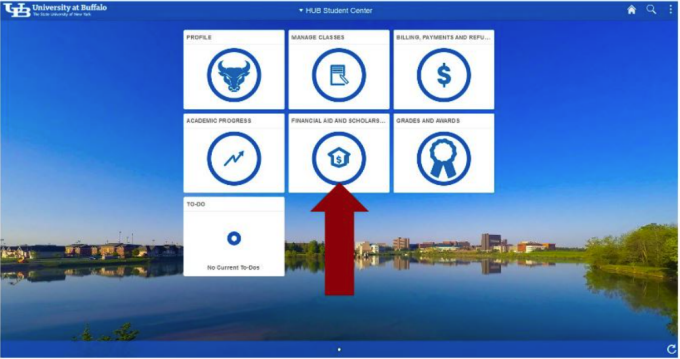
Select the Financial Aid and Scholarships Tile from your homepage.
Step 2
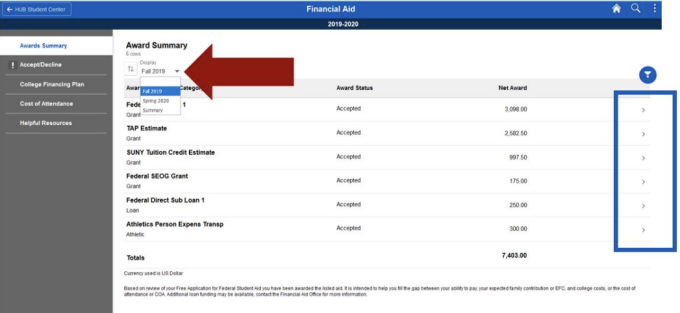
Select ‘Award Summary’ in the navigation bar on the left side of the page. You will see an indicator if you have been offered aid that has not been accepted nor declined.
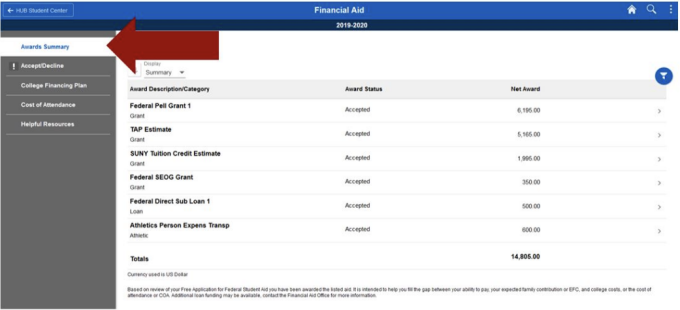
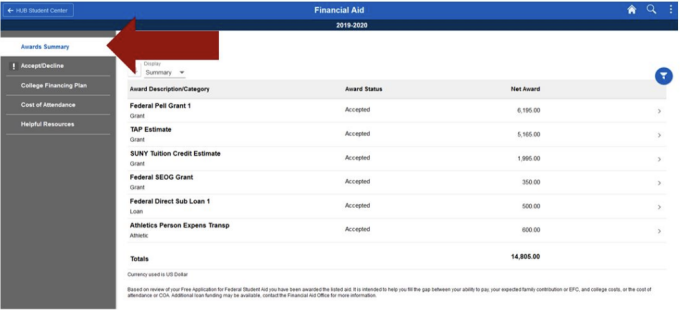
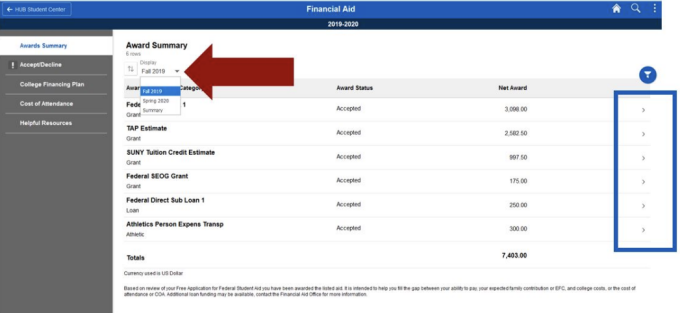
The summary page will show you all financial aid for the current academic year. To view aid that will be applied to a single semester, choose the desired term from the drop down box towards the top left corner of the page.
Step 3
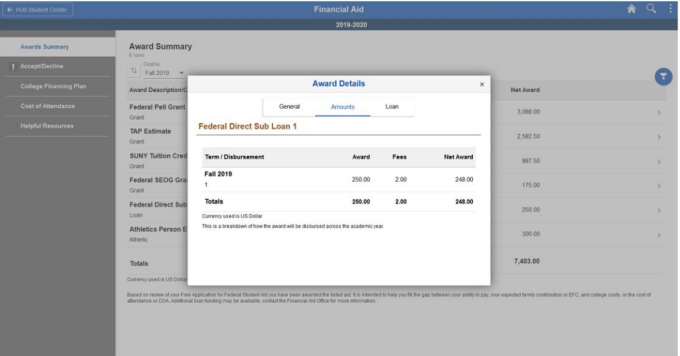
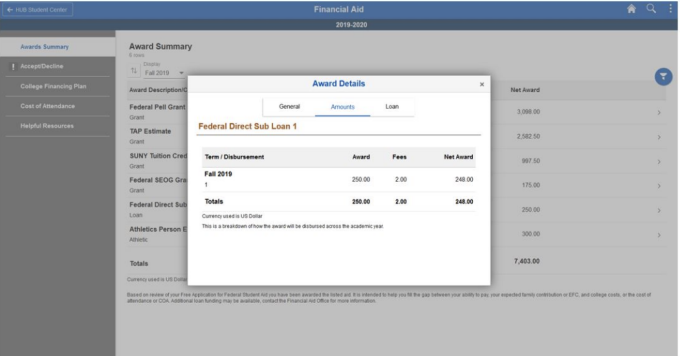
Click on the small arrows at the end of each row to view the aid details.
Step 4
To change the academic year, click the ‘Change’ button in the banner at the top of the page.


Need Assistance?
Due to the sensitive and detailed nature of most inquiries, our financial aid advisors are available to meet with you in person in 1Capen on the North Campus and room 114 Diefendorf on the South Campus.
If you are unable to meet with an advisor in person, representatives are available by phone at 716-645-8232 or email UBFA@buffalo.edu.