My Textbooks
Students can view and order their textbooks and course materials for their upcoming classes by clicking on the My Textbooks button below. They are able to view and order textbooks and course materials for all of their courses in one location. The link will take them to the Bookstore's external textbook ordering page.
Faculty can also review and submit their textbook adoptions by clicking on the My Textbooks button below.
Check out the UB Bookstore for additional resources, supplies, and services.
IMPORTANT NOTICE
Access to textbook information will open to students four weeks prior to the start of the upcoming semester. Earlier access will be provided to faculty for submitting textbook adoptions.
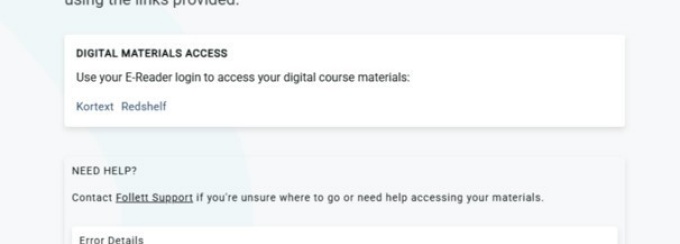
If students click on the link prior to four weeks before the start of the term, they will see the below message. However, that message does not mean that they are not registered for classes, it is just the default display messaging. Four weeks prior to the start of the semester, students can click on the link, and their courses and course materials will then be displayed.

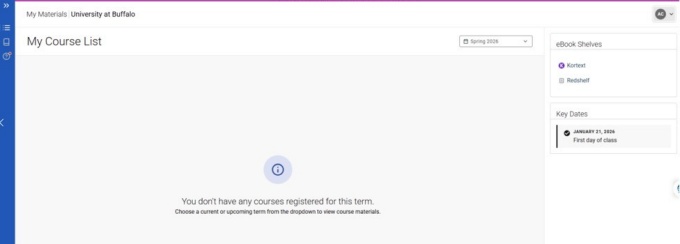
If students click on the My Textbook button and they are NOT registered in any courses, the below message will appear. Please note that once they are registered for courses, they will see their course materials when they click on the link.
My Textbooks Link